跟着 chatgpt 与开源代码学习 ruby
2023-05-18
跟着chatgpt看开源代码学习新语言, 实测掌握速度非常快, 能够快速补全在新语言中缺失的知识版图.
遗憾的是, 过了几个星期再次翻阅, 发现很多语法细节又忘得差不多了. 不使用的话, 大多数编程的边角知识其实都会快速被遗忘, 所以很多人都在反反复复. 但是不用慌, 只要掌握大概原理, 知道整体框架, 知道怎么提问, 并且晓得去看开源代码快速提高就行. 学习了就用起来, 至少还留下点积累和痕迹.
https://github.com/larskanis/pg-ldap-sync
ruby 基础语法
学习新语言新语法的时候, 比较麻烦的是各种新的符号含义, 在搜索引擎里搜这些符号很难直接得到自己想要的.
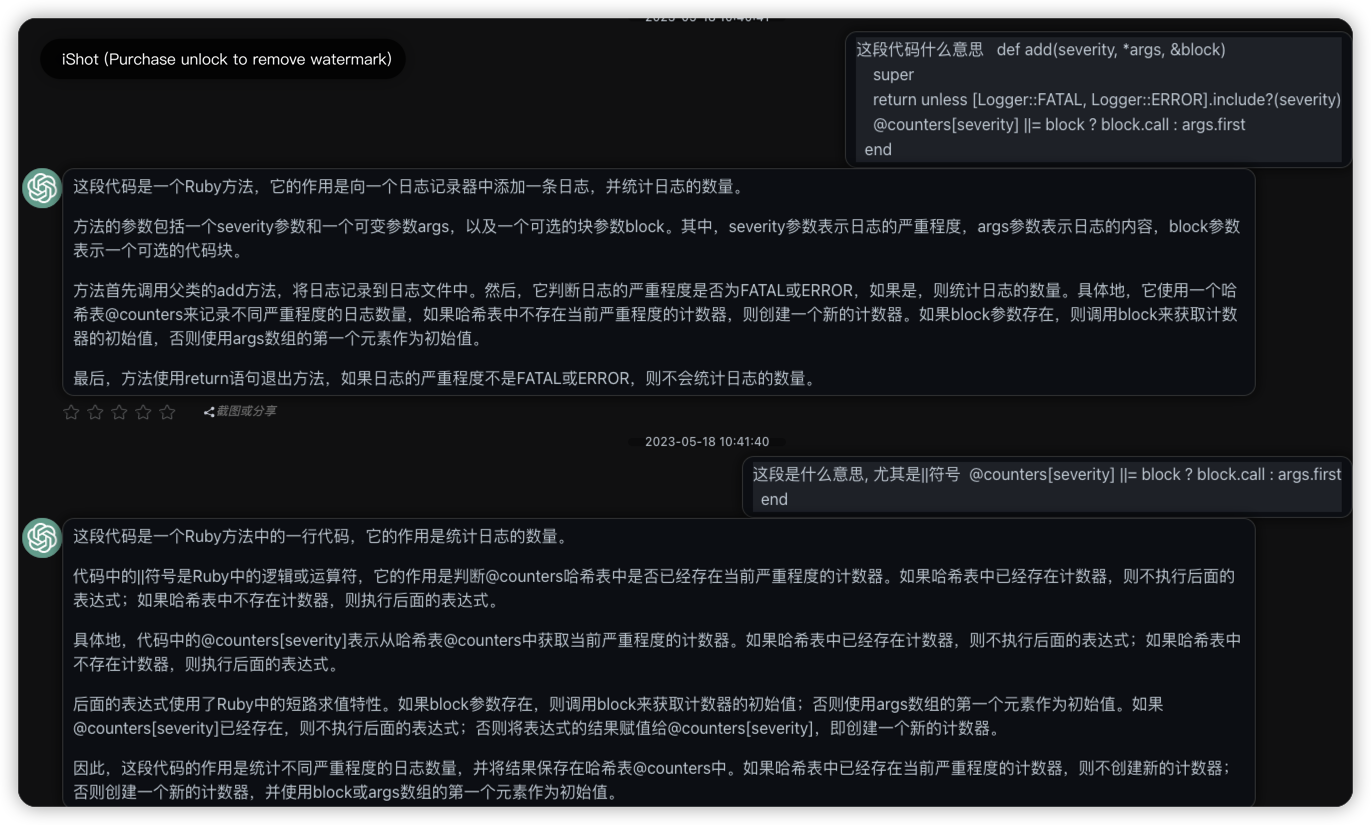
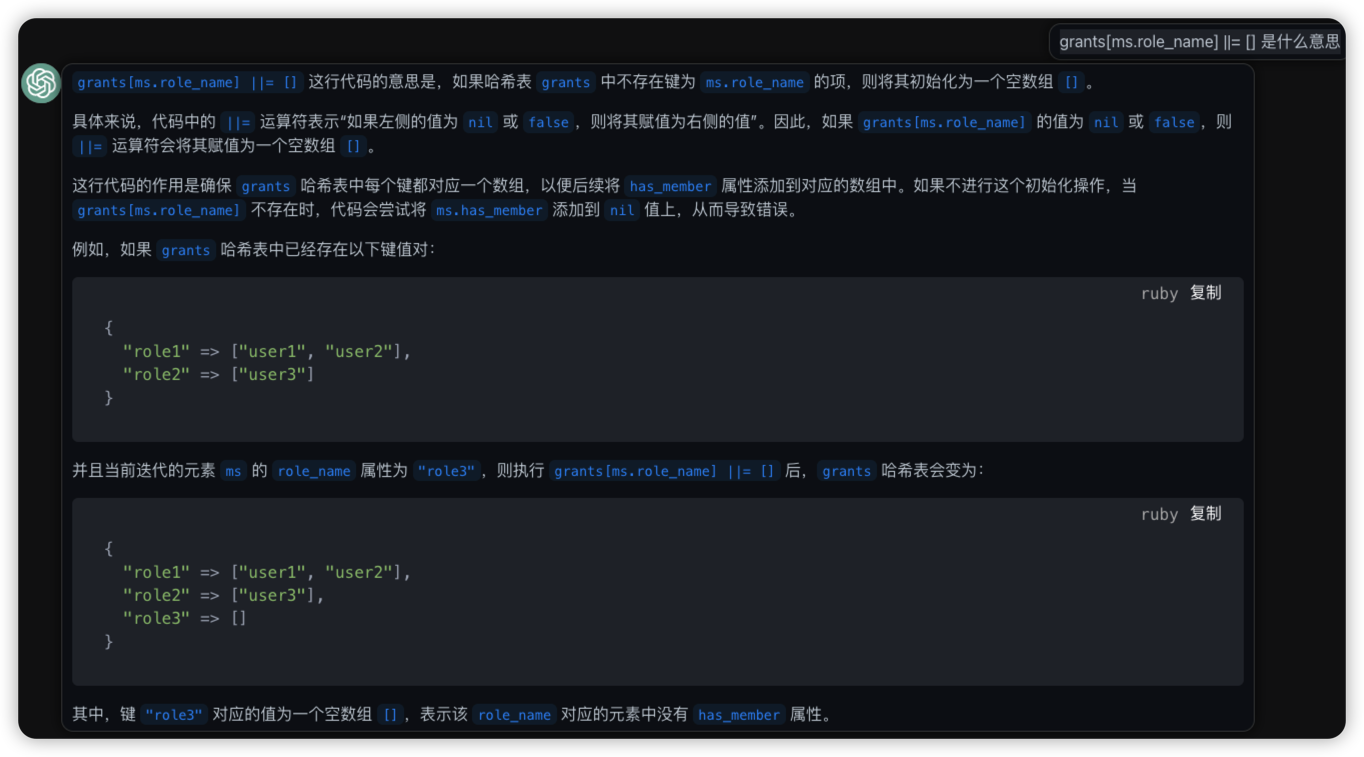
||符号
def add(severity, *args, &block)
    super
    return unless [Logger::FATAL, Logger::ERROR].include?(severity)
    @counters[severity] ||= block ? block.call : args.first
  end
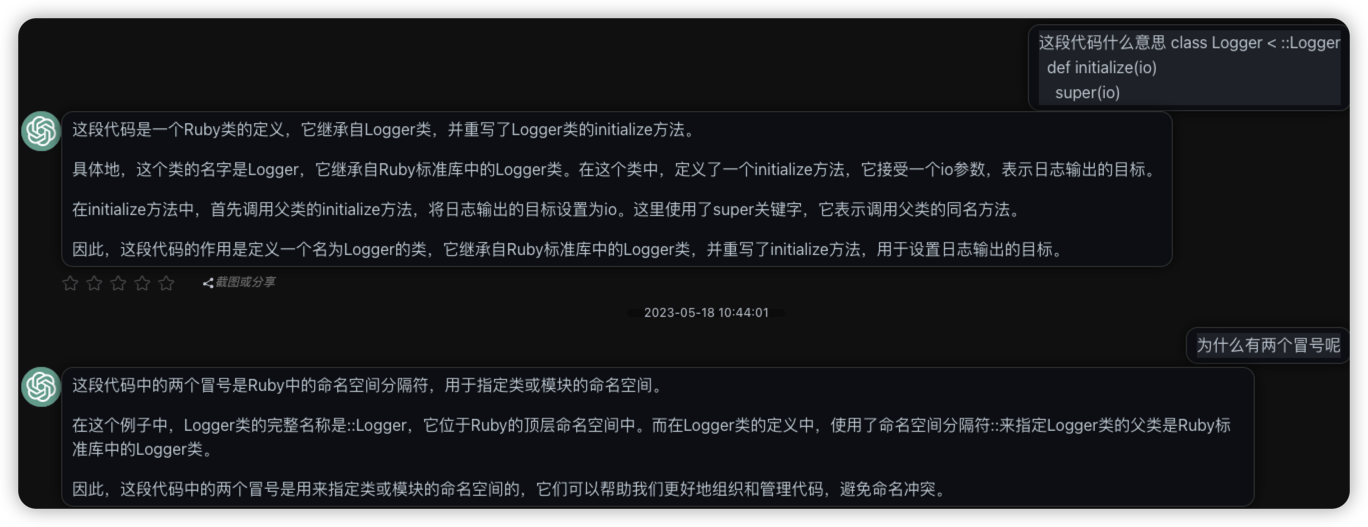
::类定位
 class Logger < ::Logger
  def initialize(io)
    super(io)
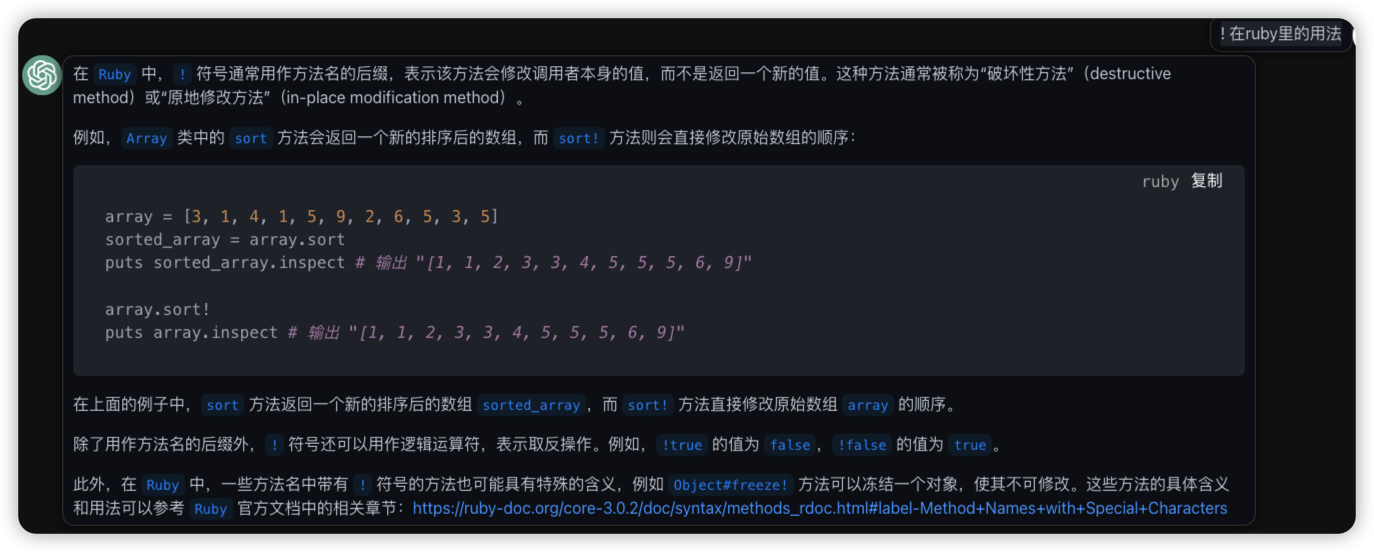
!感叹号
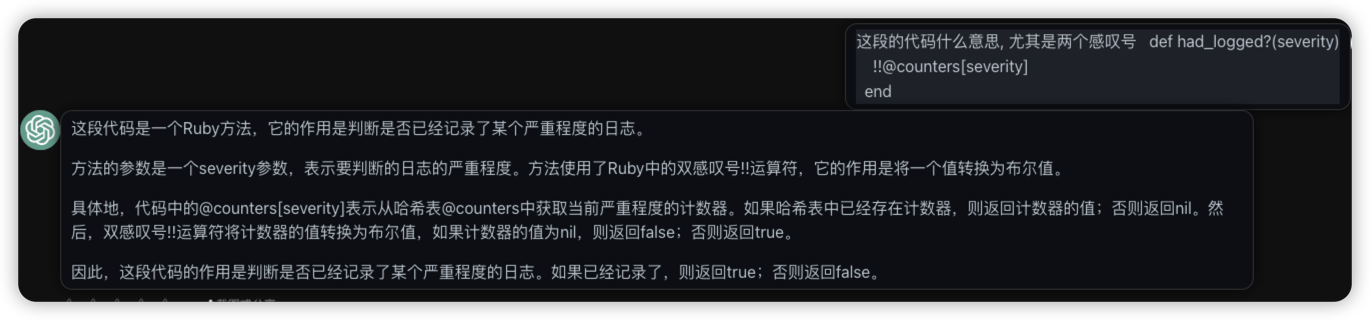
这段的代码什么意思, 尤其是两个感叹号
def had_logged?(severity)
    !!@counters[severity]
  end
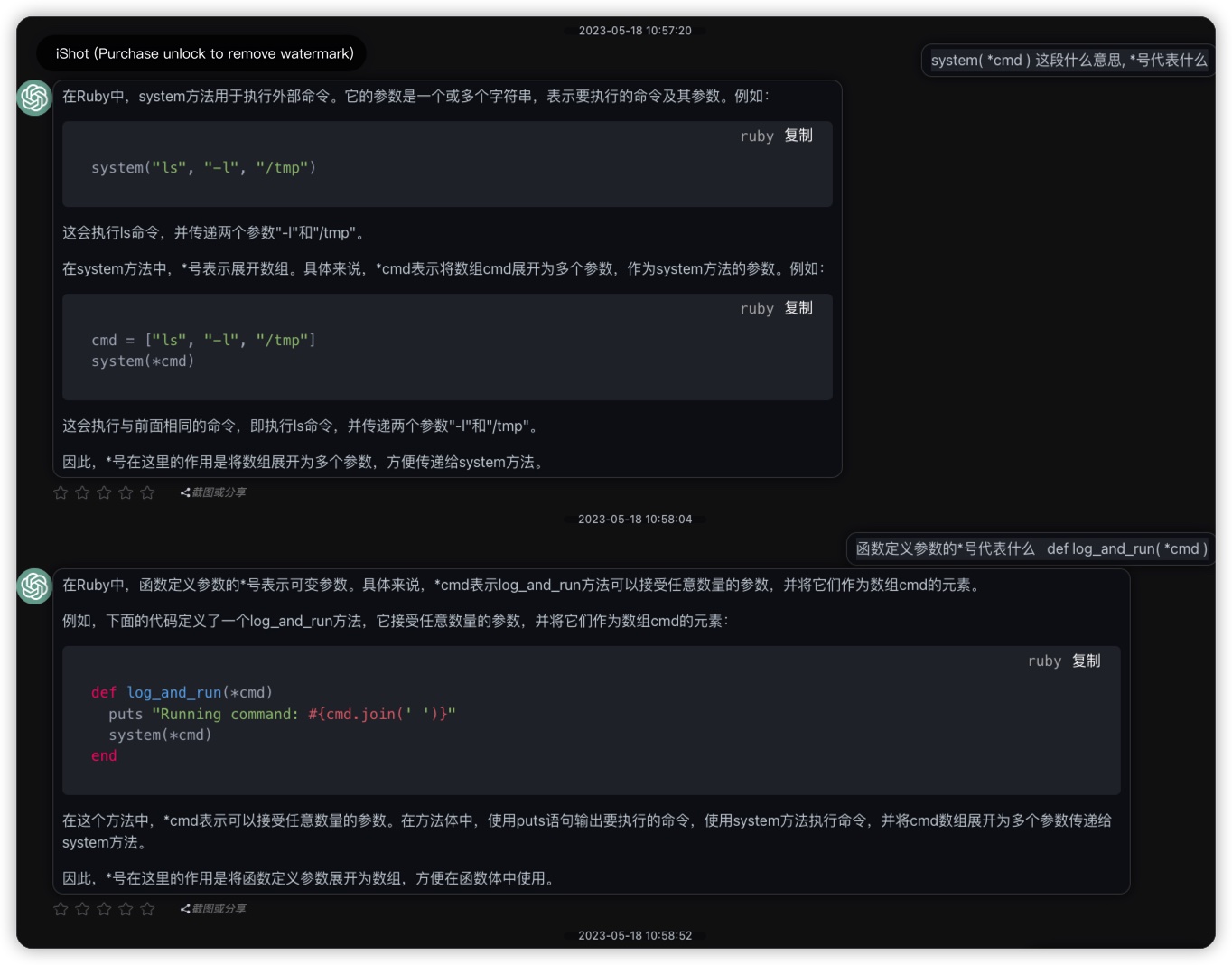
*号
system( *cmd )
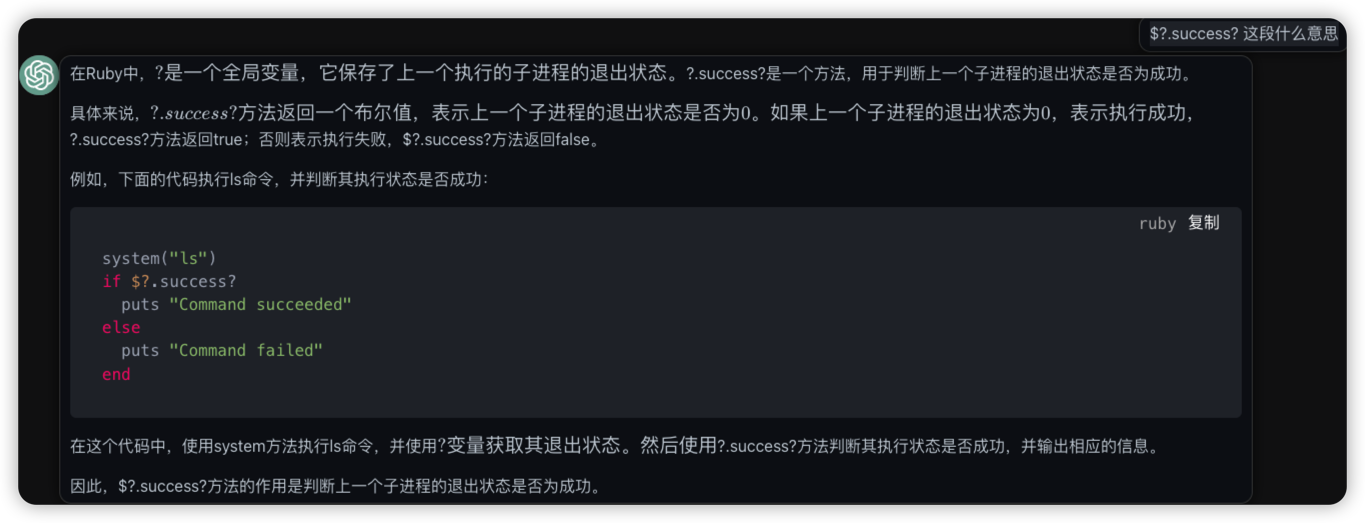
$?.success?
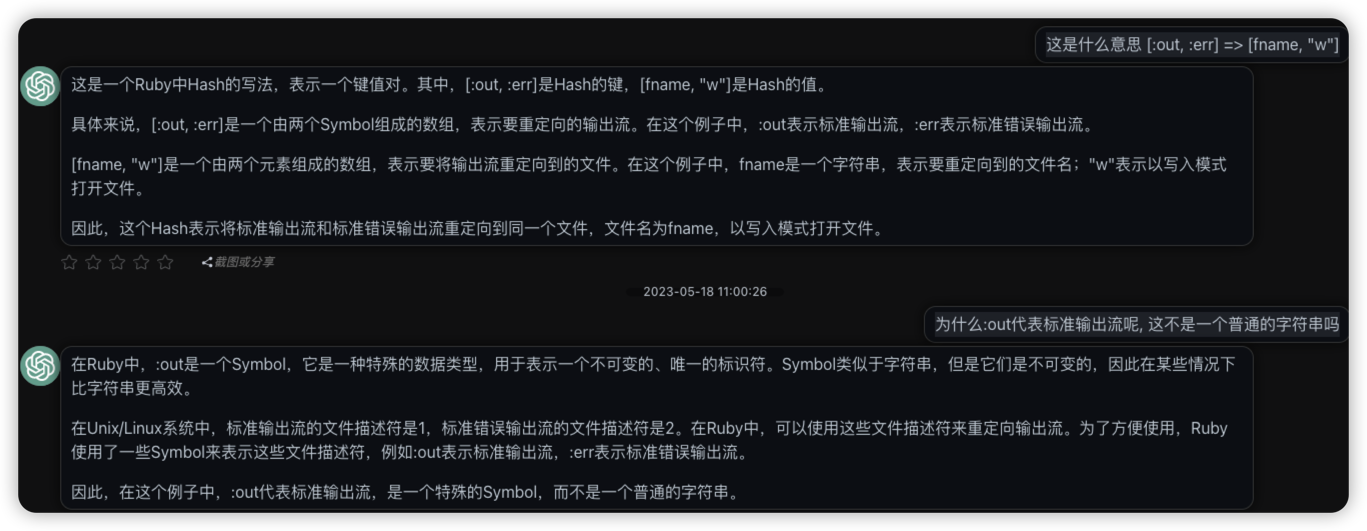
[:out, :err] => [fname, "w"]
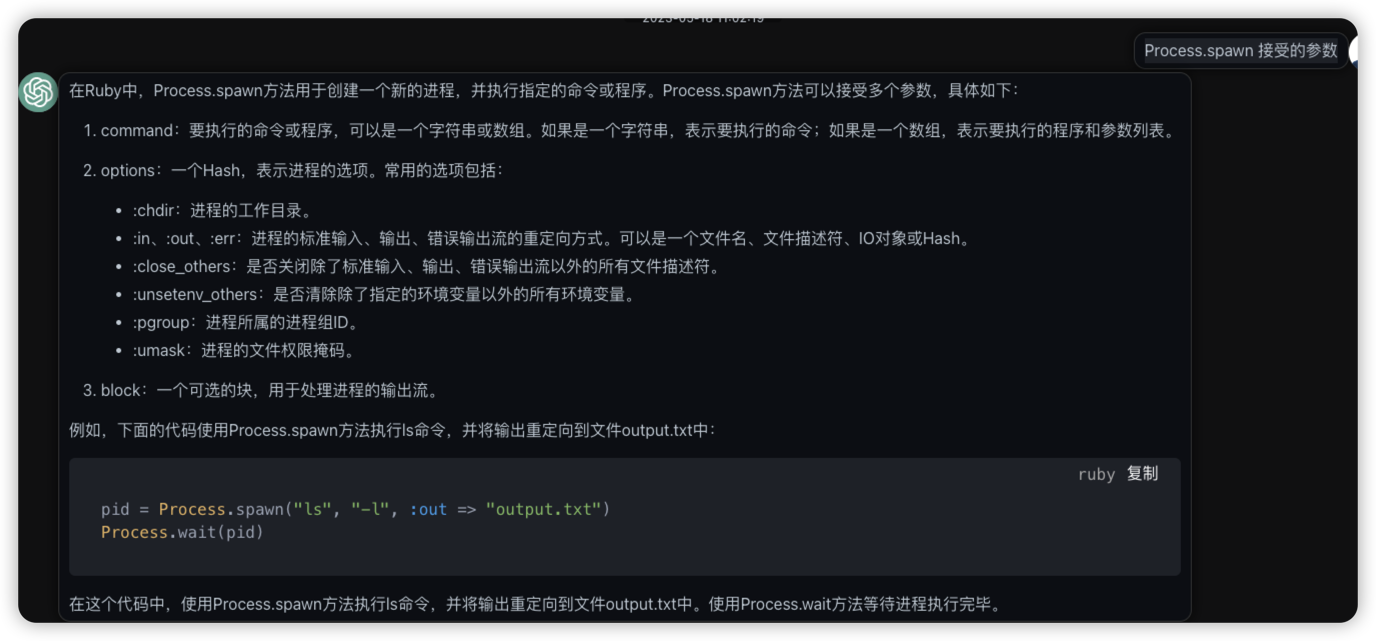
File.unlink fname rescue nil

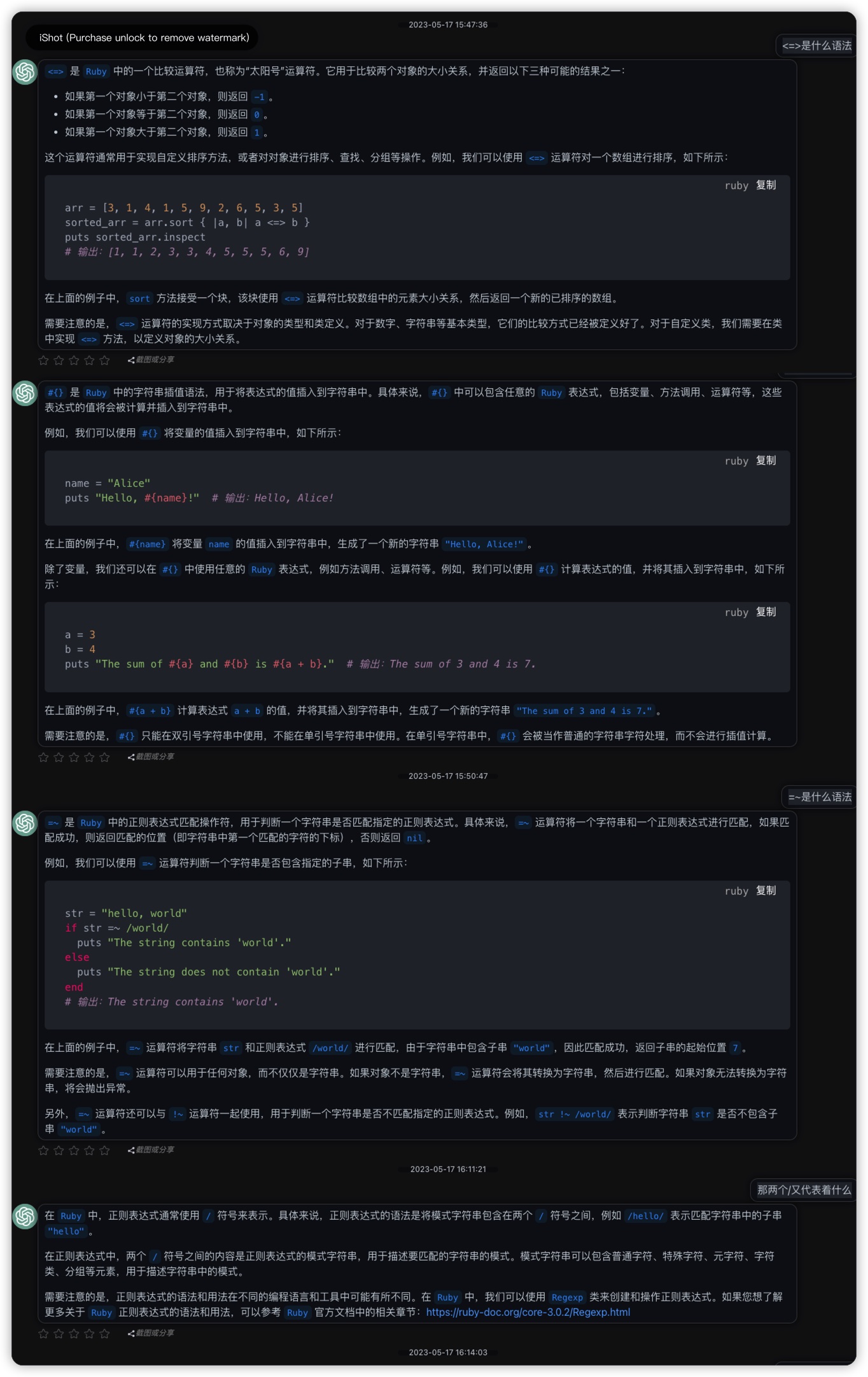
<=>,#{}和=~
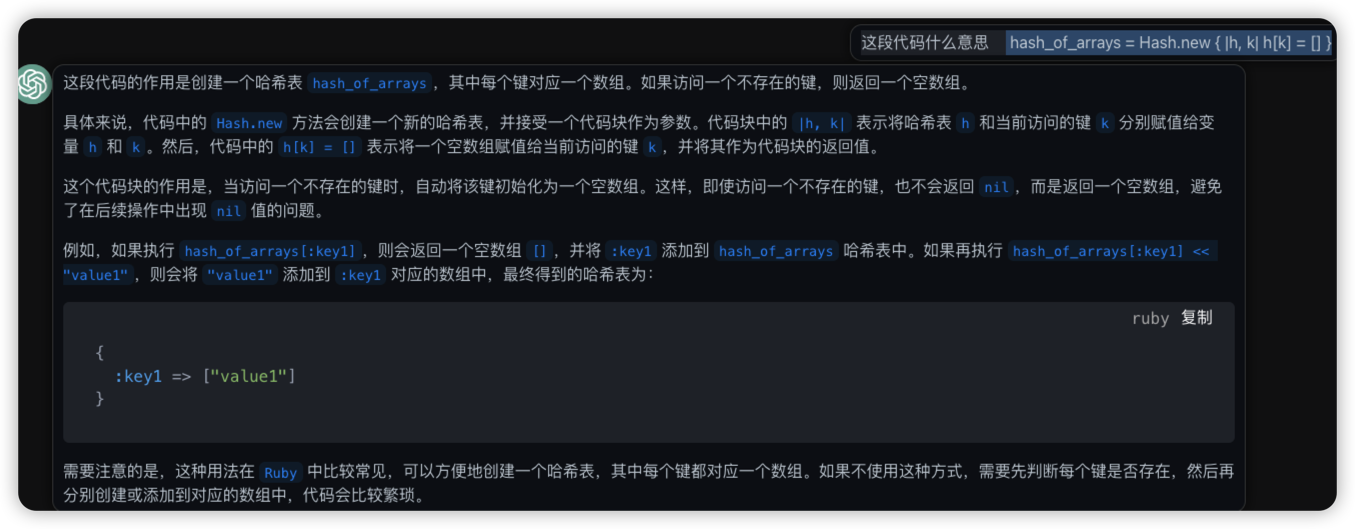
hash_of_arrays = Hash.new { |h, k| h[k] = [] }
默认映射表值
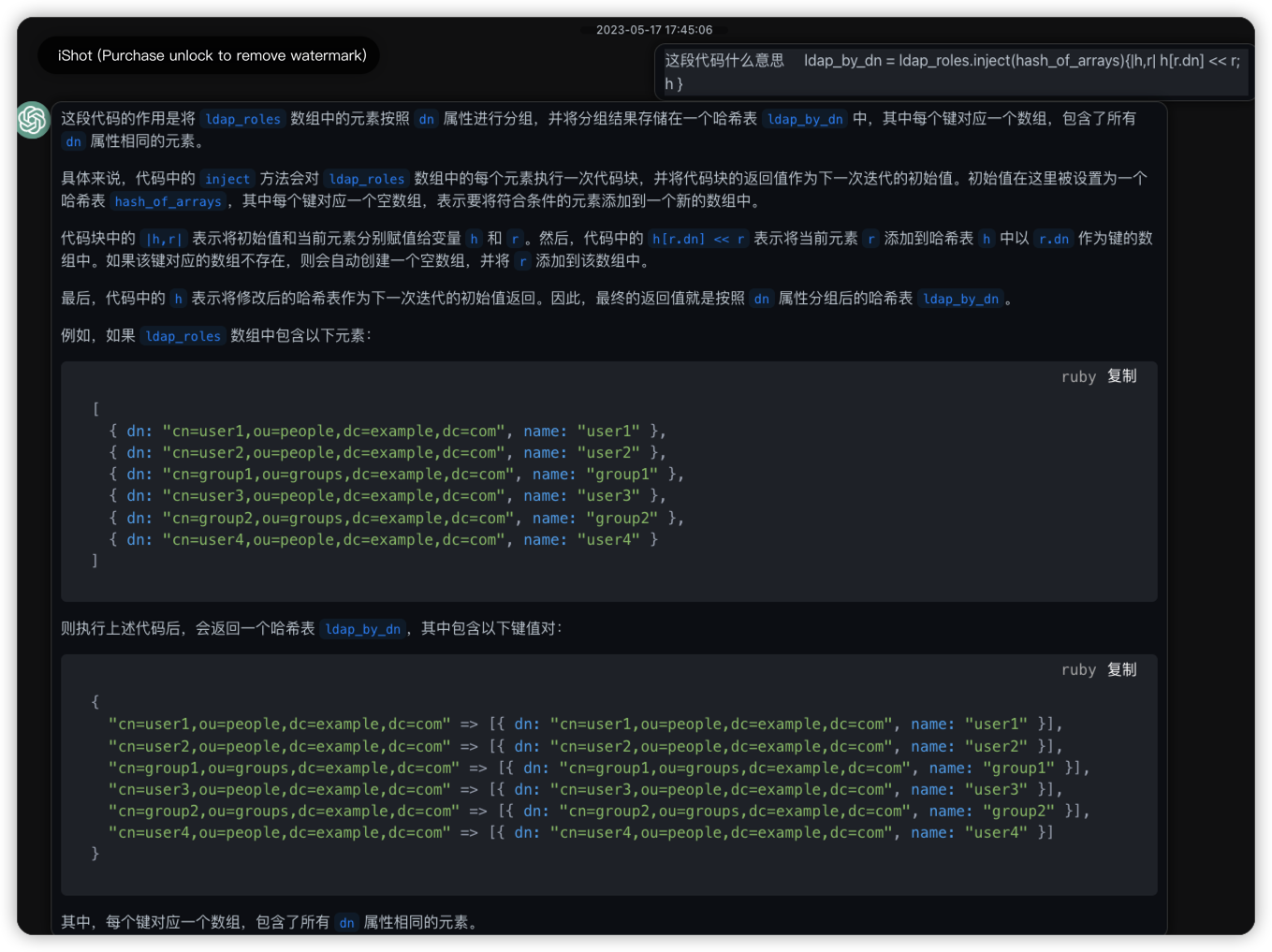
- inject
ldap_by_dn = ldap_roles.inject(hash_of_arrays){|h,r| h[r.dn] << r; h }
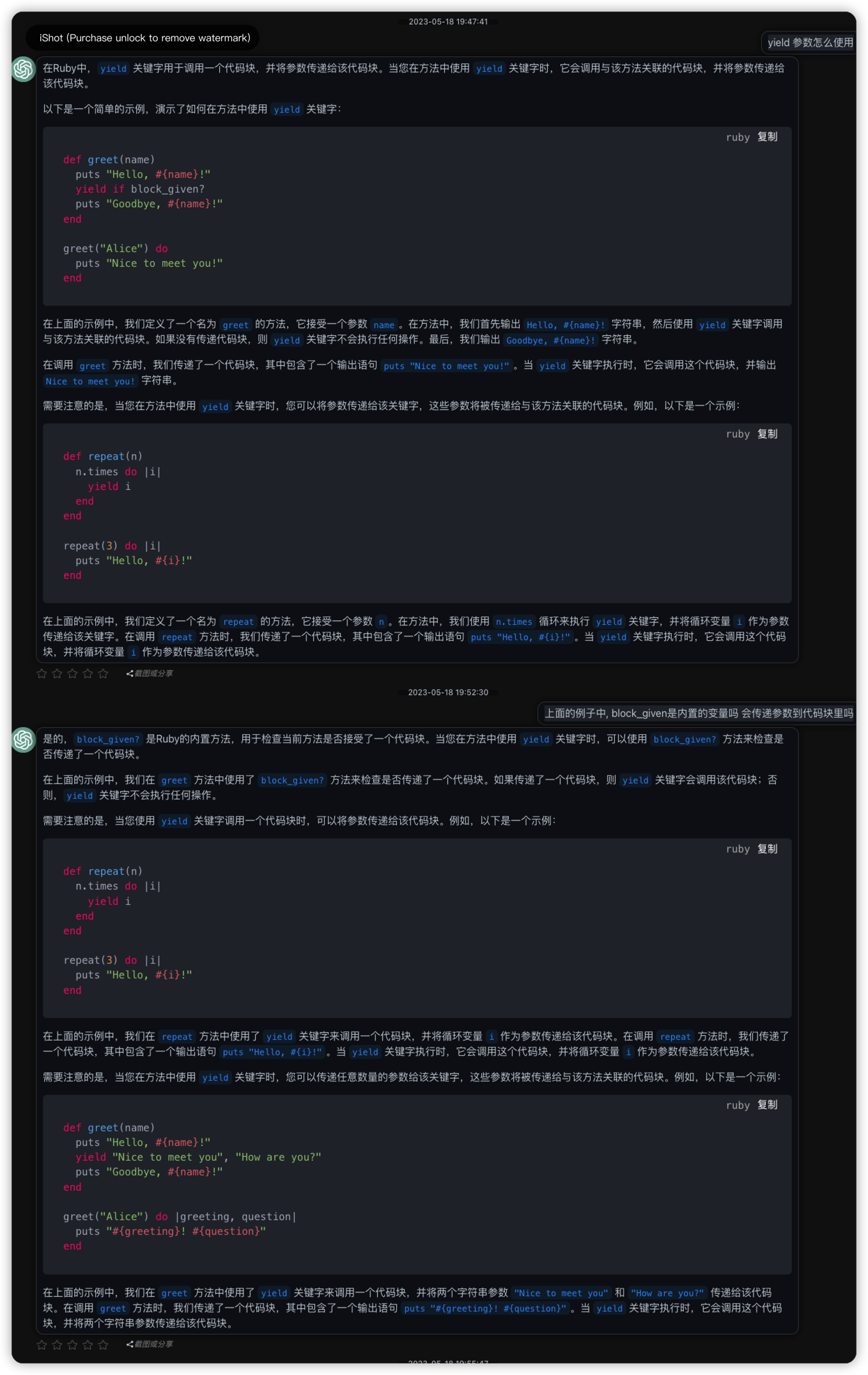
yield 参数
ruby 正则语法
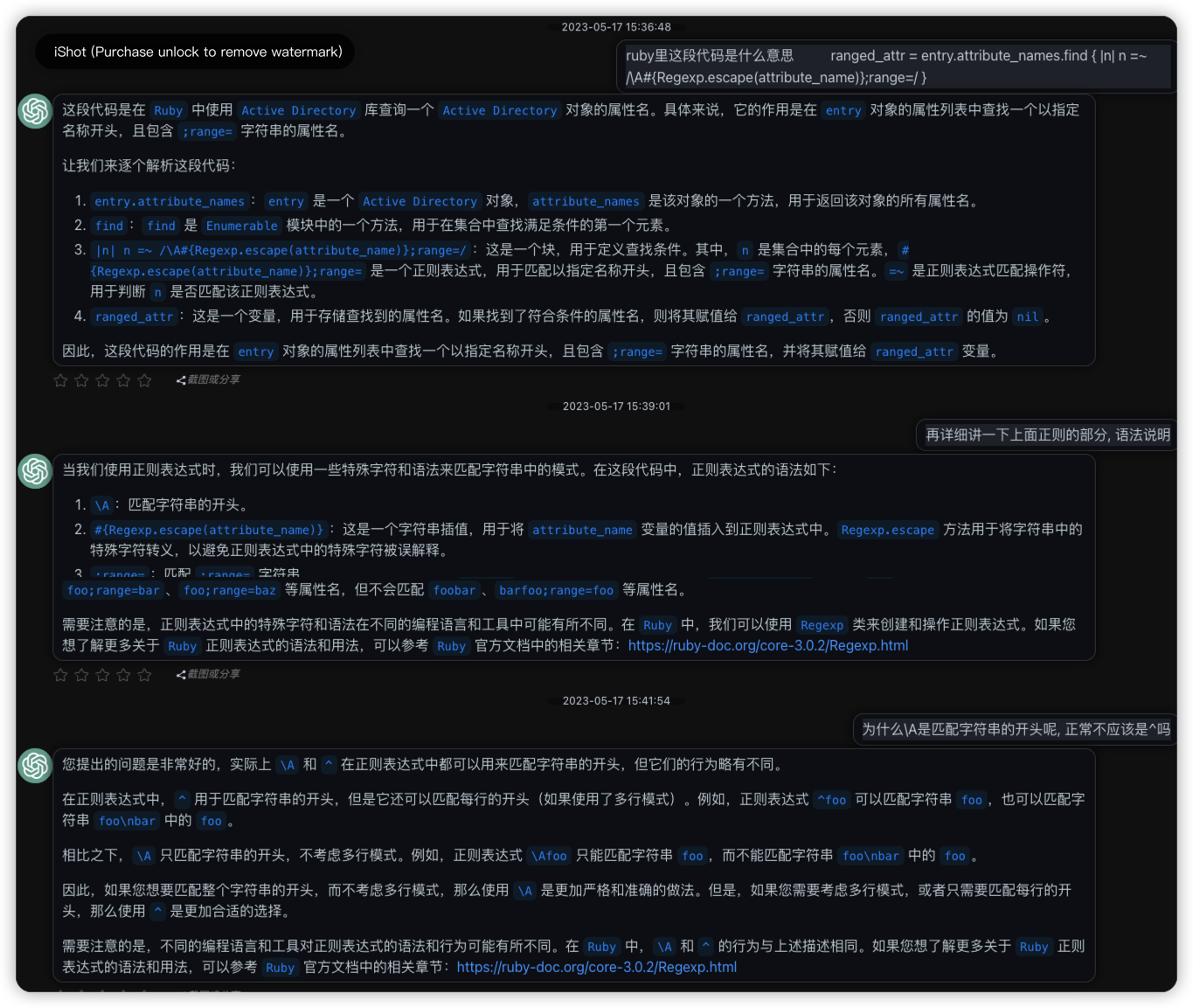
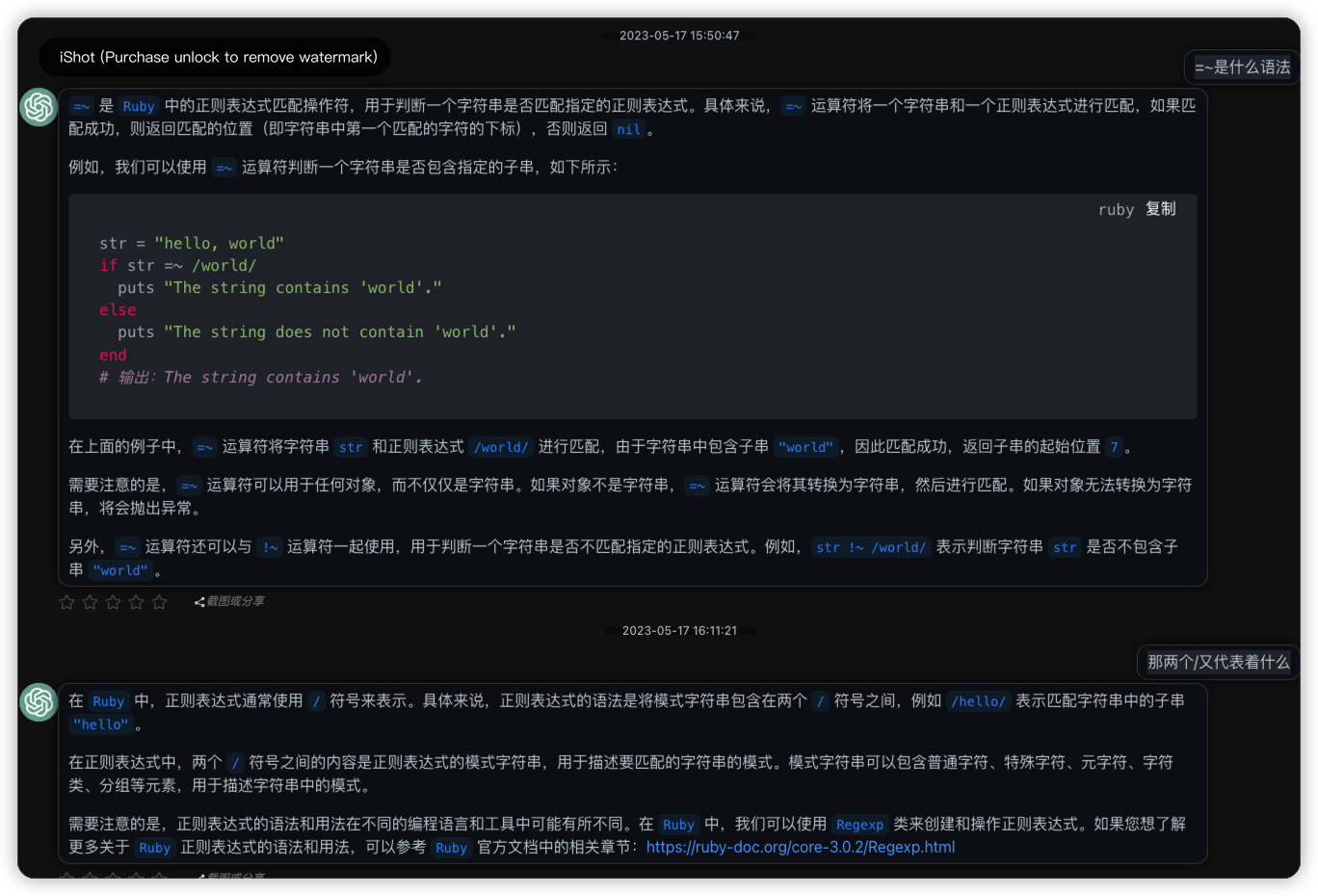
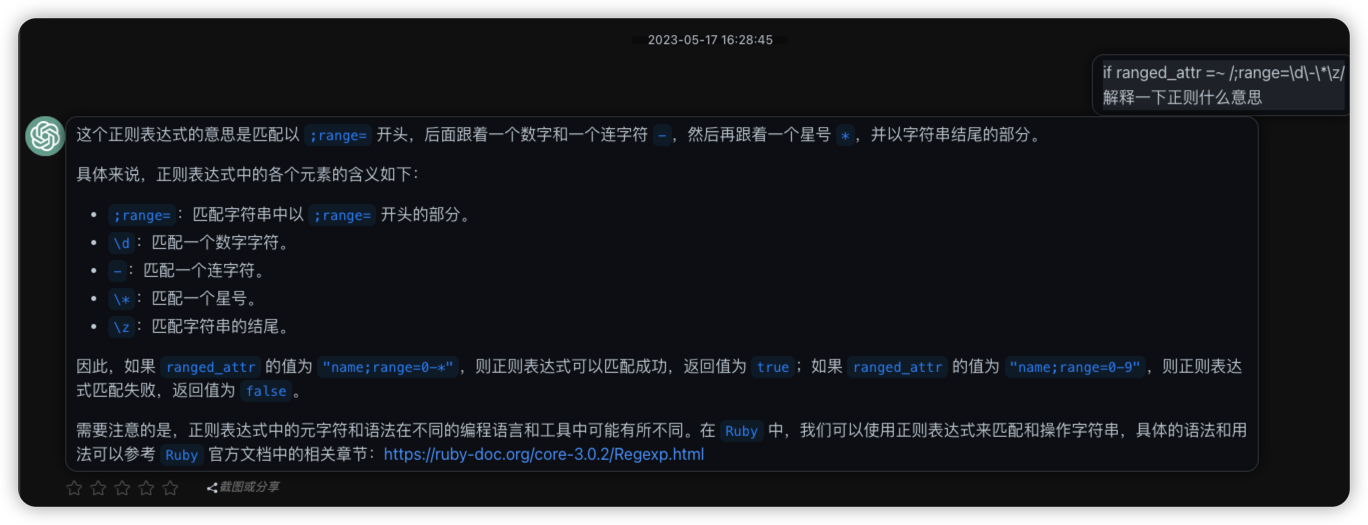
if ranged_attr =~ /;range=\d\-\*\z/
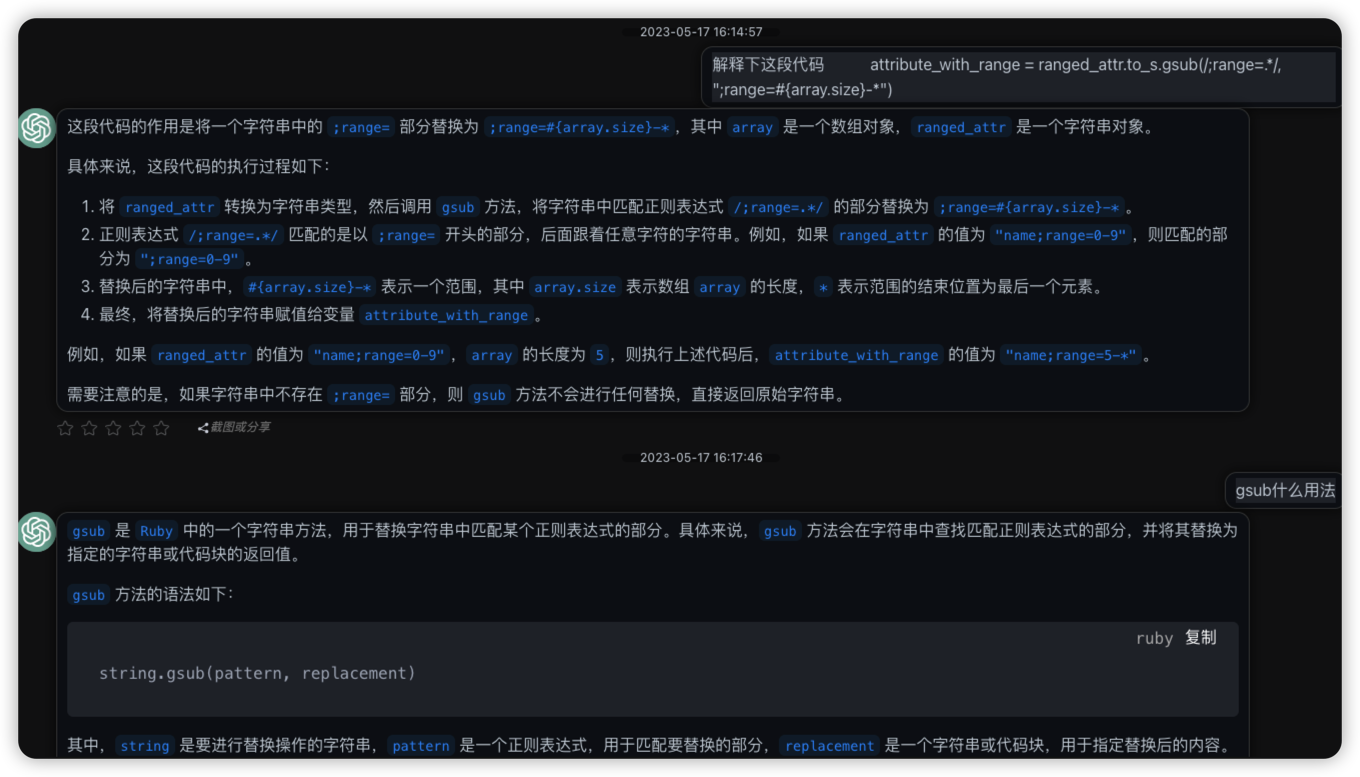
- gsub
attribute_with_range = ranged_attr.to_s.gsub(/;range=.*/, ";range=#{array.size}-*")
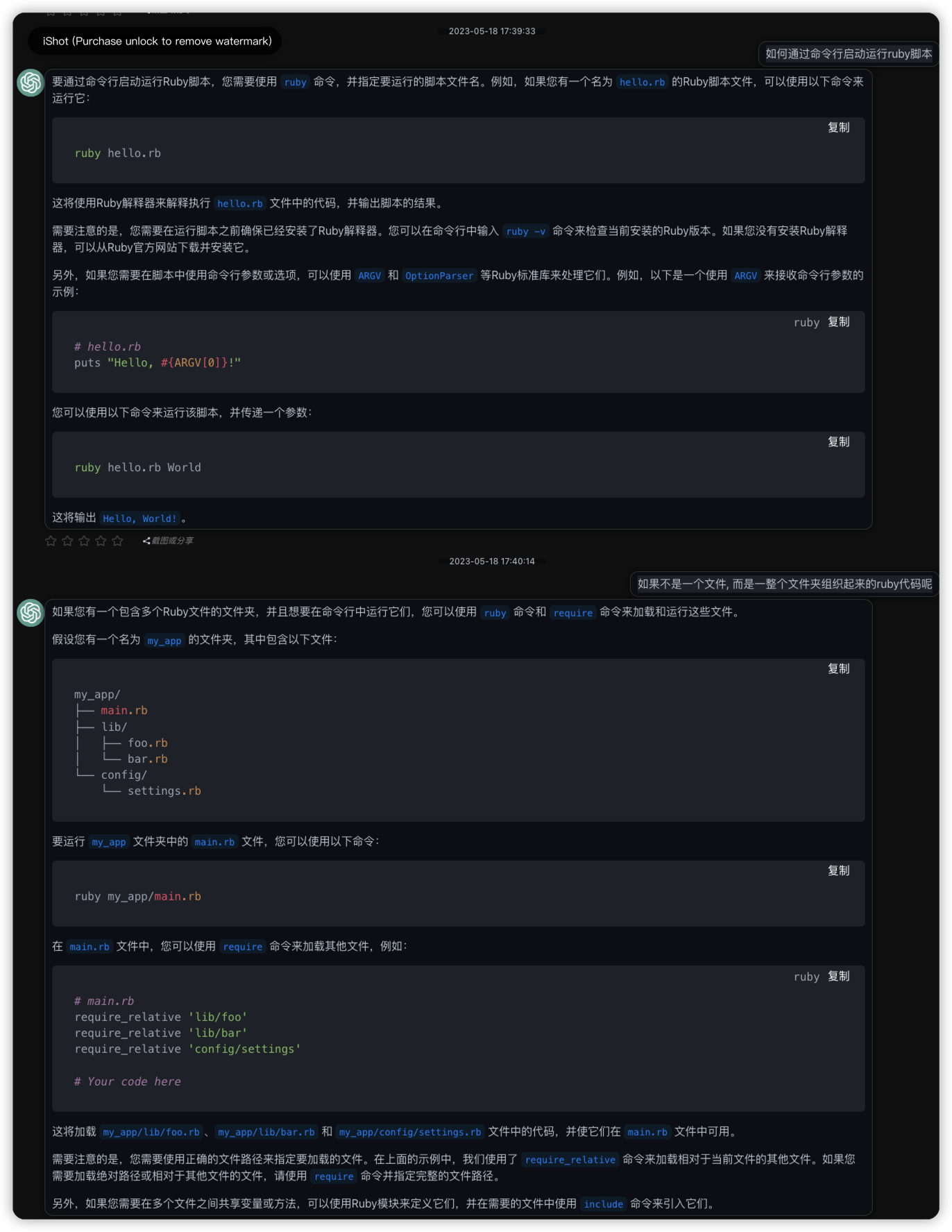
如何运行ruby
ruby 依赖管理体系
ruby中有bundler, gem, rake这些常用的依赖管理工具, 看起来比python和node要复杂一些, 得使用多几次才能记住.
不过大体可以认为gem等同于python的pip命令, bundler则类似于python的virtualenv提供虚拟环境管理.
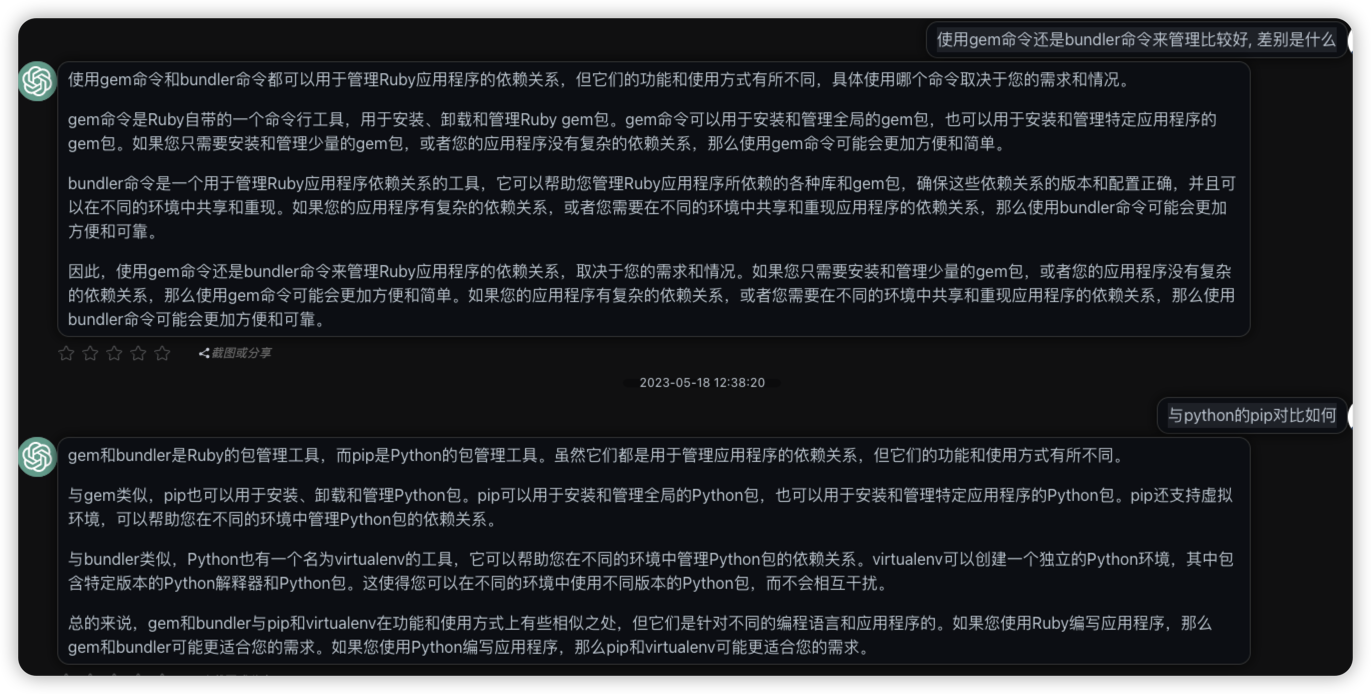
gem 依赖包管理
gem 基础使用
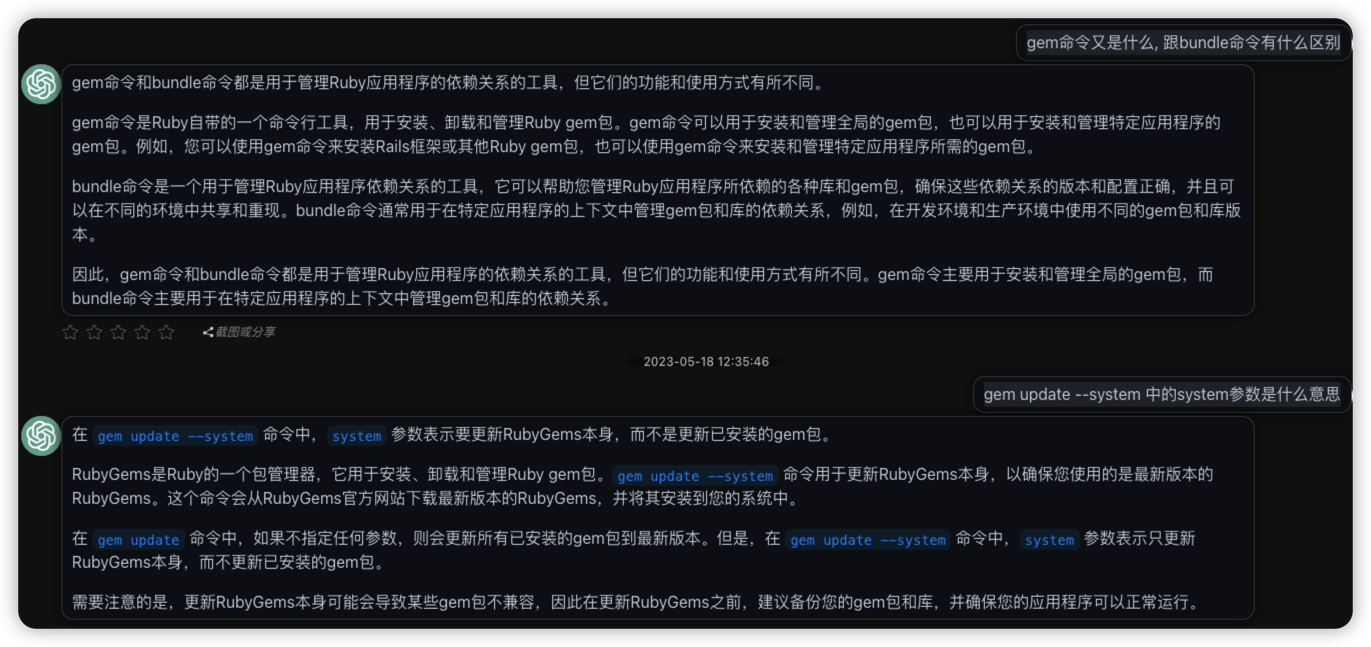
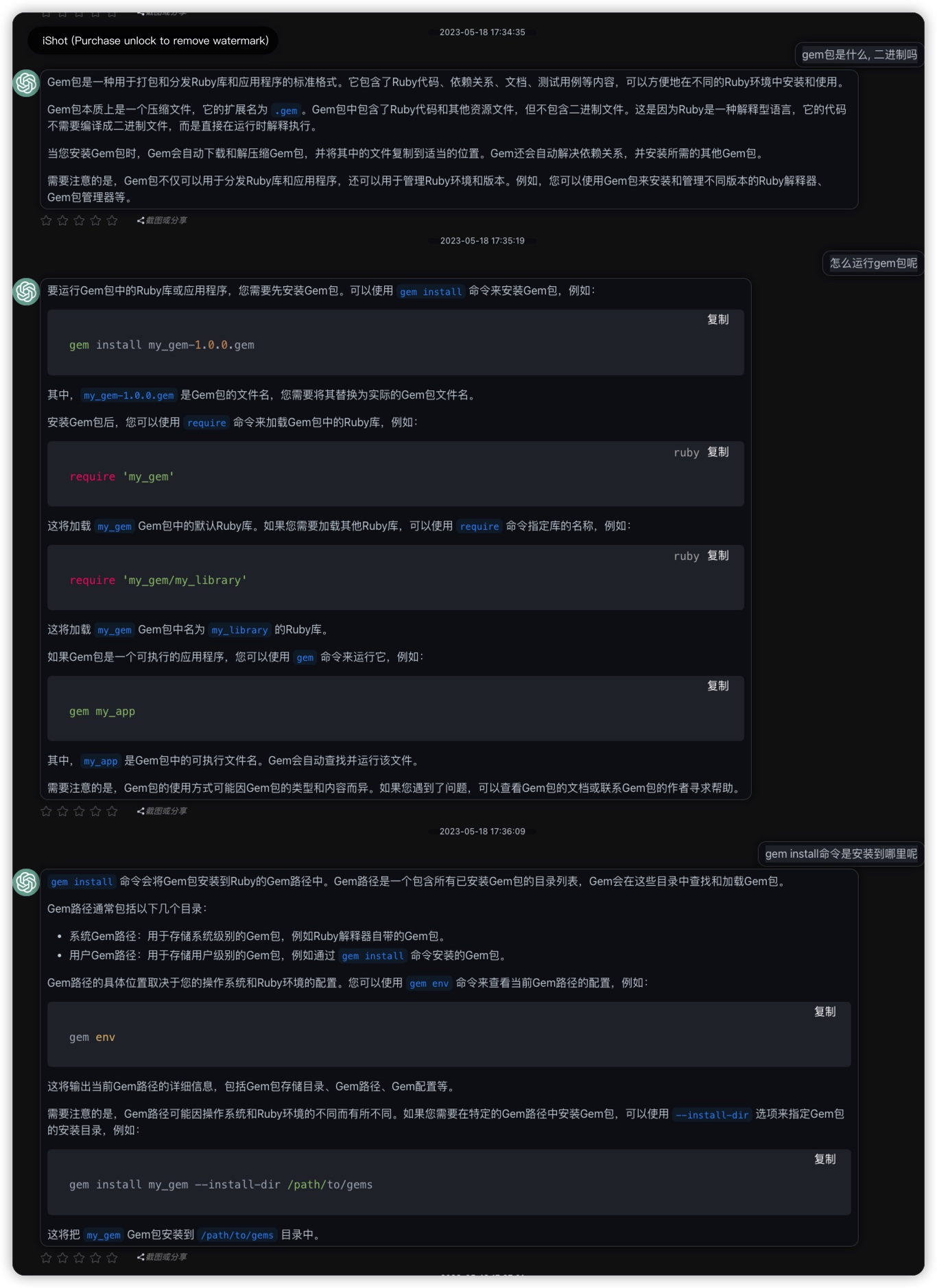
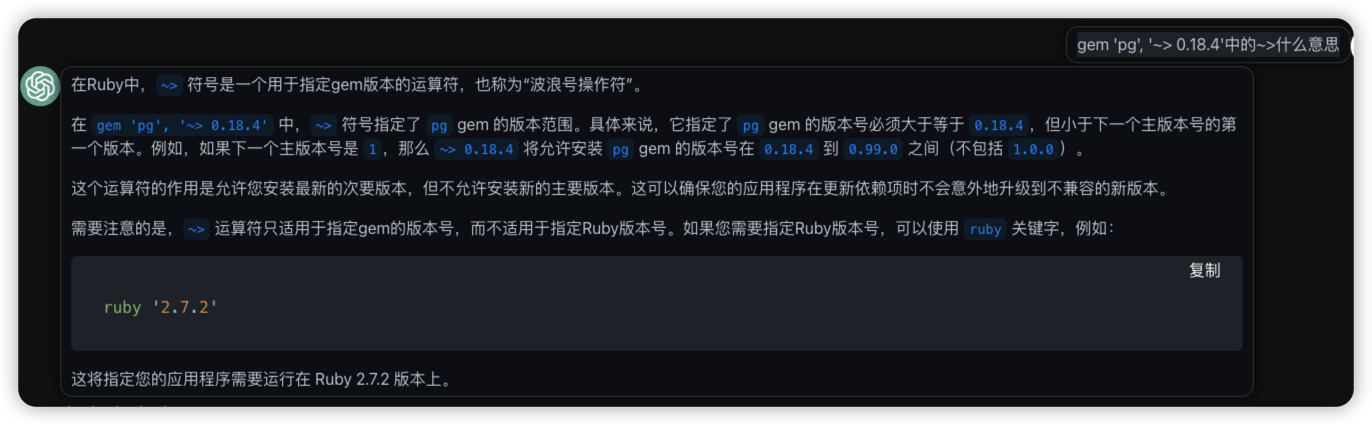
gemfile.lock文件与gemfile配置不同环境使用不同的版本

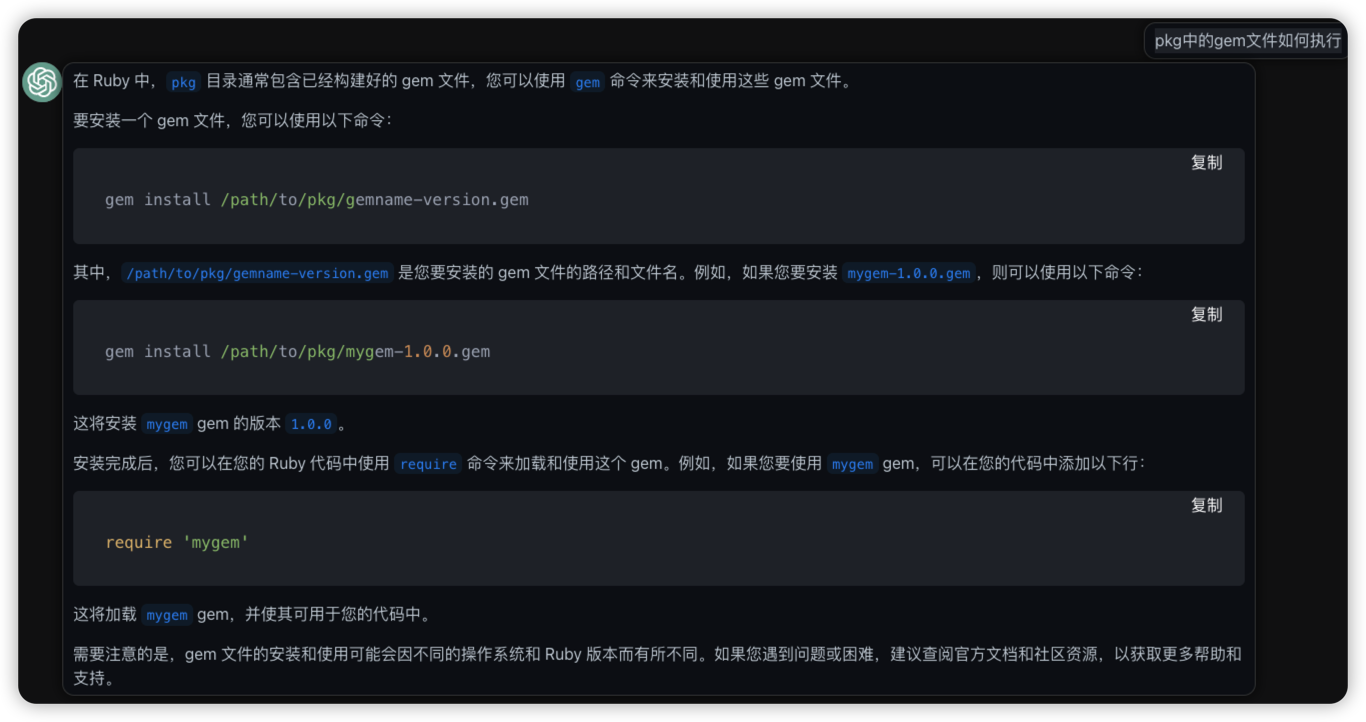
gem包可以被作为依赖安装使用
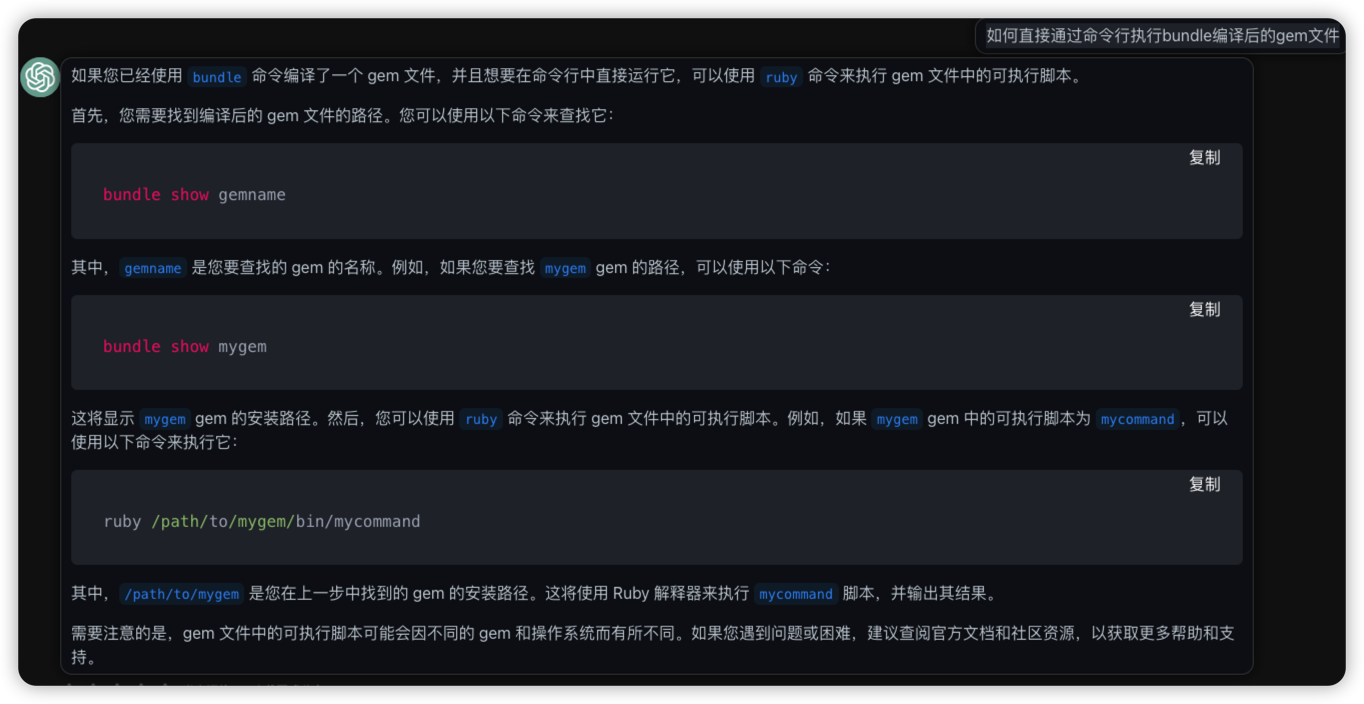
gem包可以被直接运行
bundler 依赖管理工具

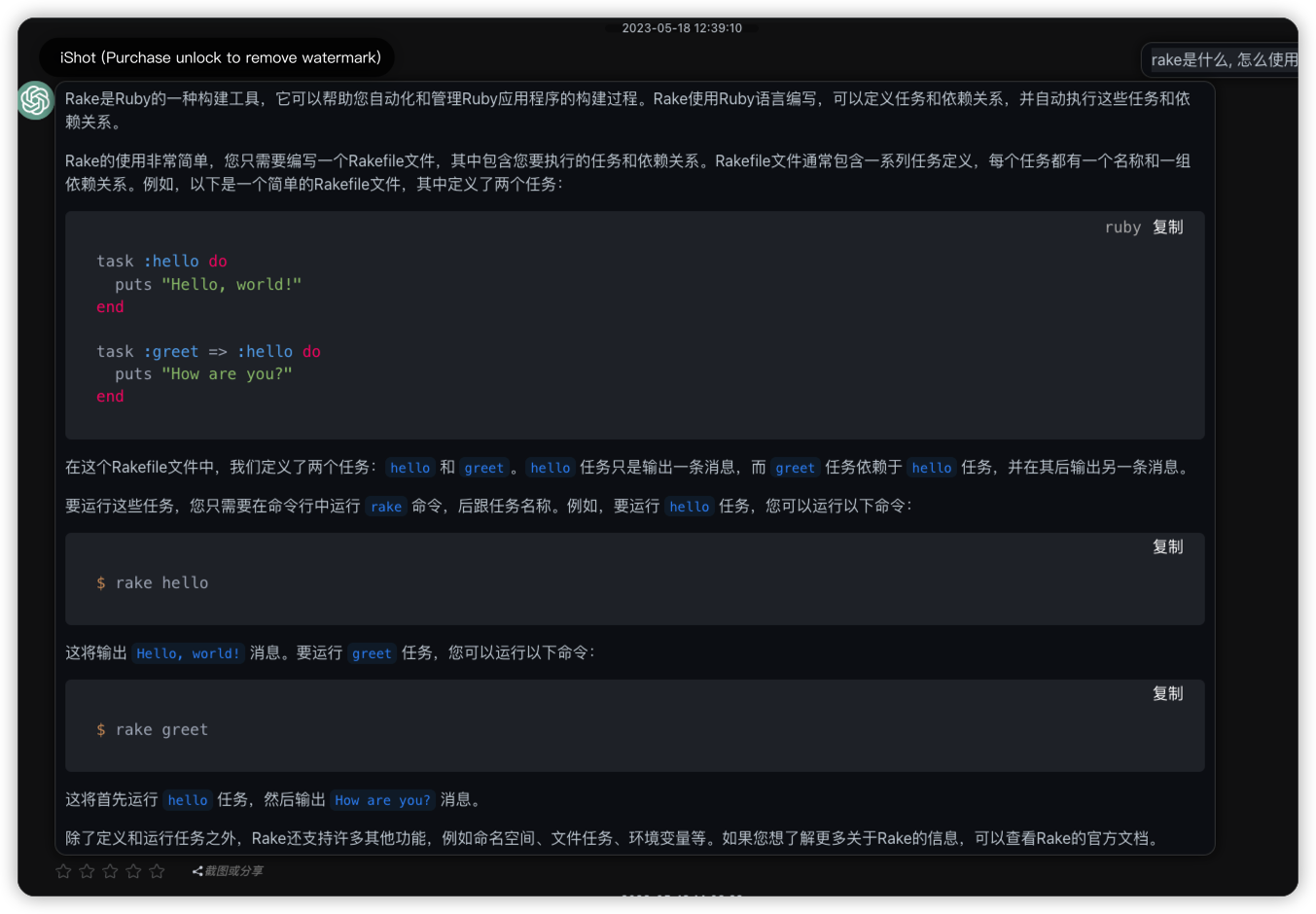
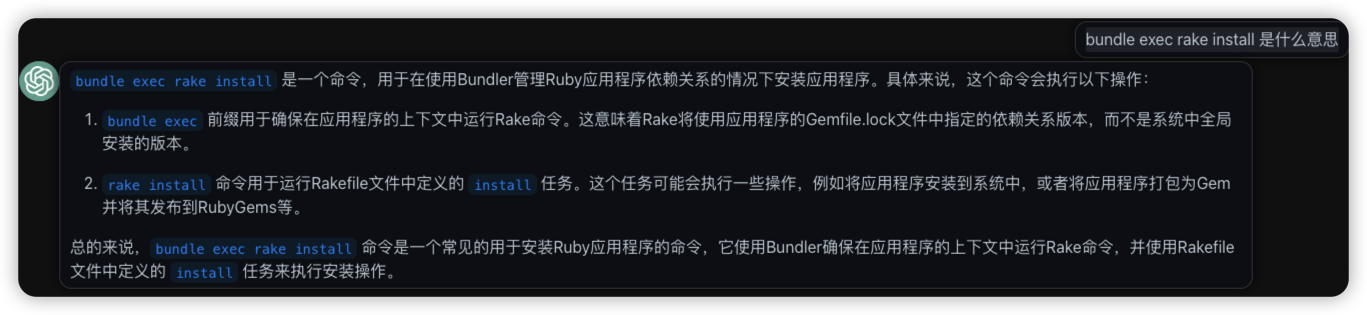
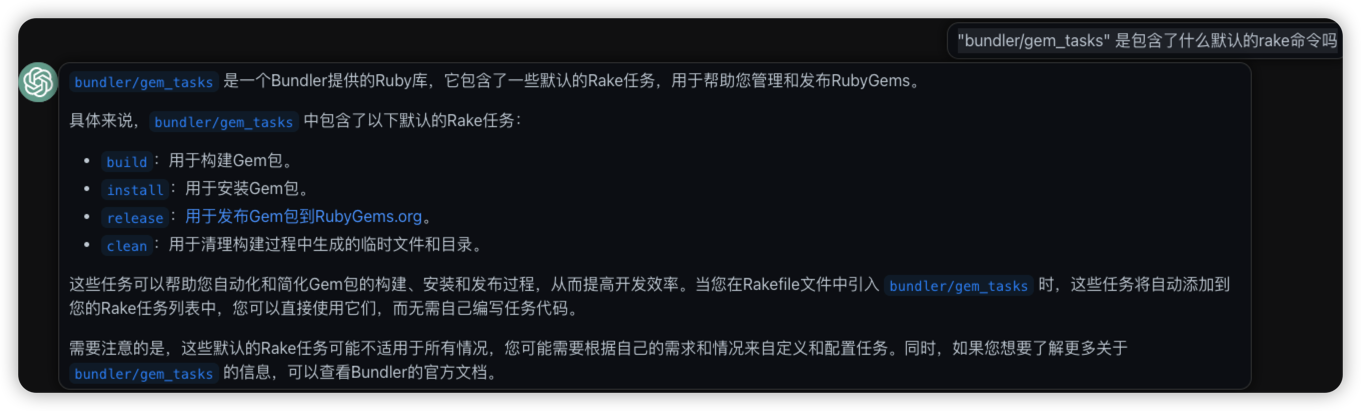
rake 自动化构建工具
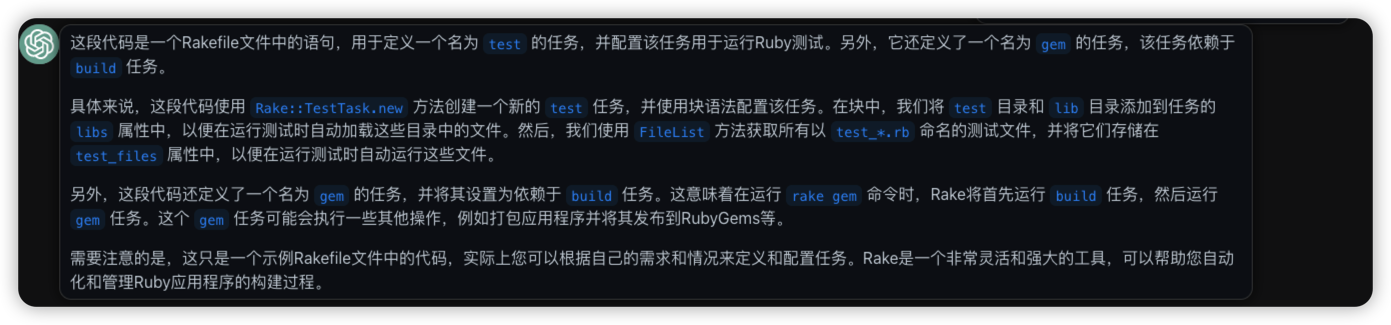
Rake::TestTask.new(:test) do |t|
  t.libs << "test"
  t.libs << "lib"
  t.test_files = FileList["test/**/test_*.rb"]
end

task :gem => :build
ruby postgreql
- 命令行启动postgresql
chatgpt 给出了错误的代码, 进行质疑后, 又能直接修改.
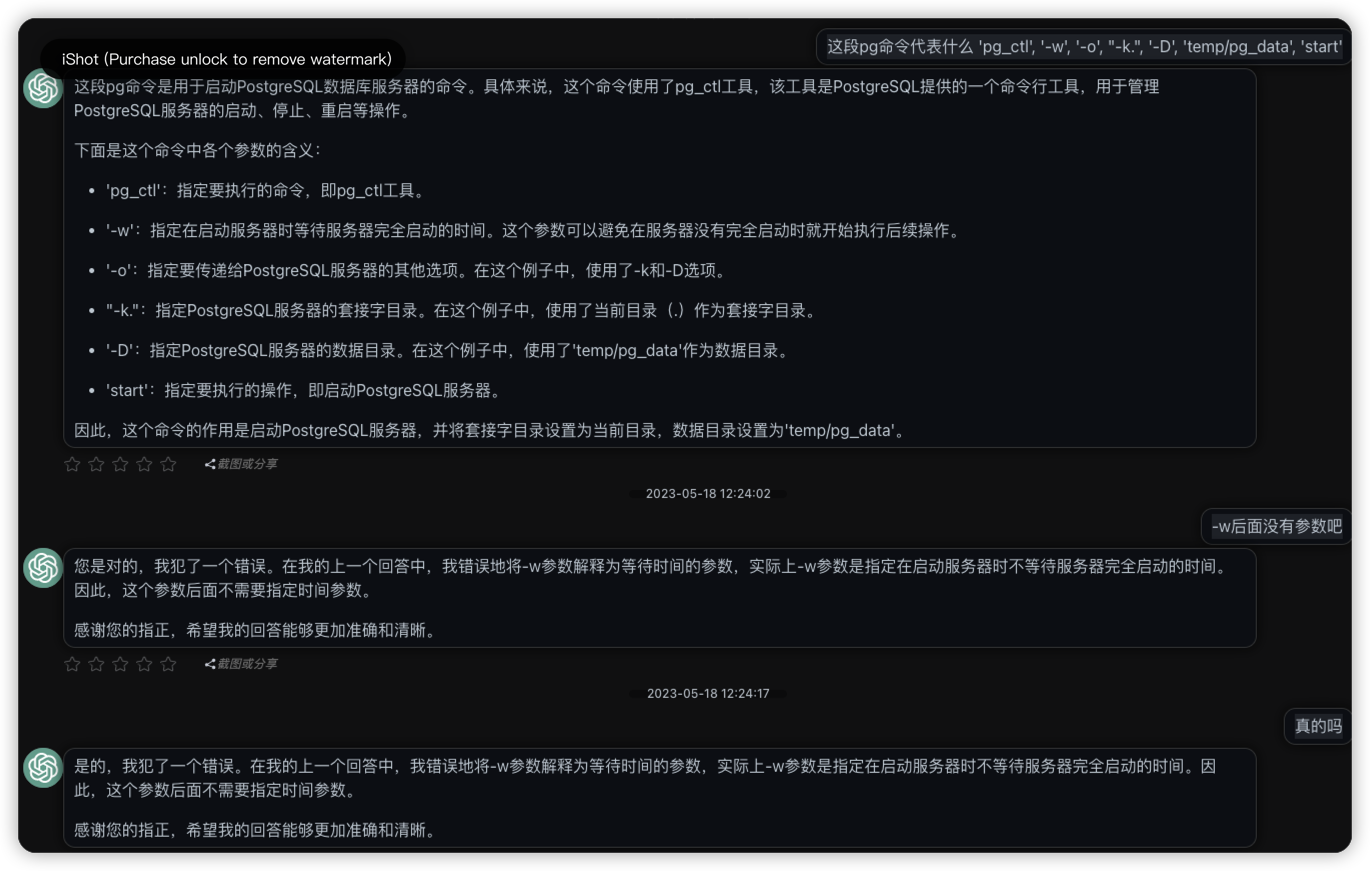
pg_ctl - initialize, start, stop, or control a PostgreSQL server
-W
--no-wait
    Do not wait for the operation to complete. This is the opposite of the option -w.

    If waiting is disabled, the requested action is triggered, but there is no feedback about its success. In that case, the server log file or an external monitoring system would have to be used to check the progress and success of the operation.

    In prior releases of PostgreSQL, this was the default except for the stop mode.
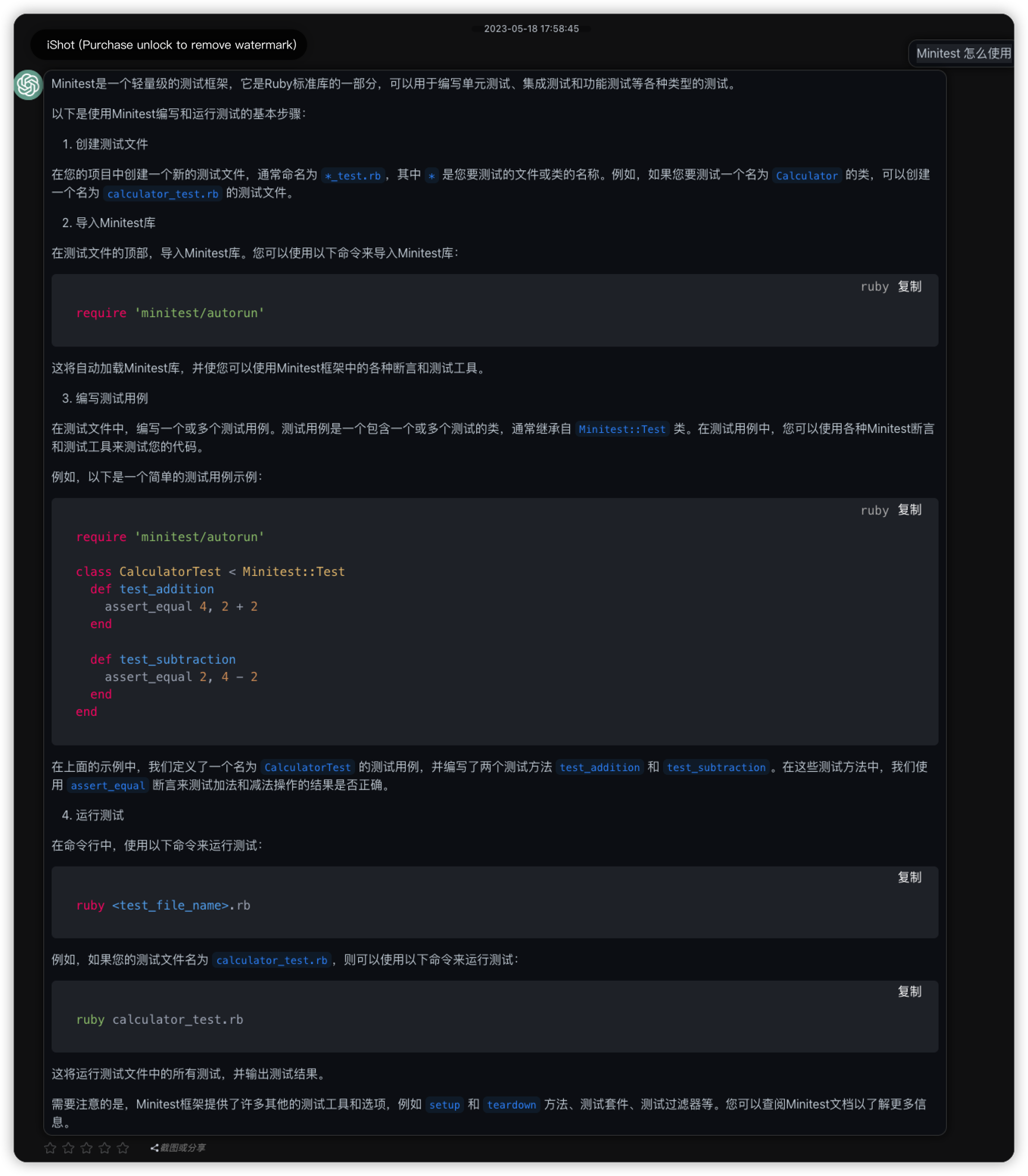
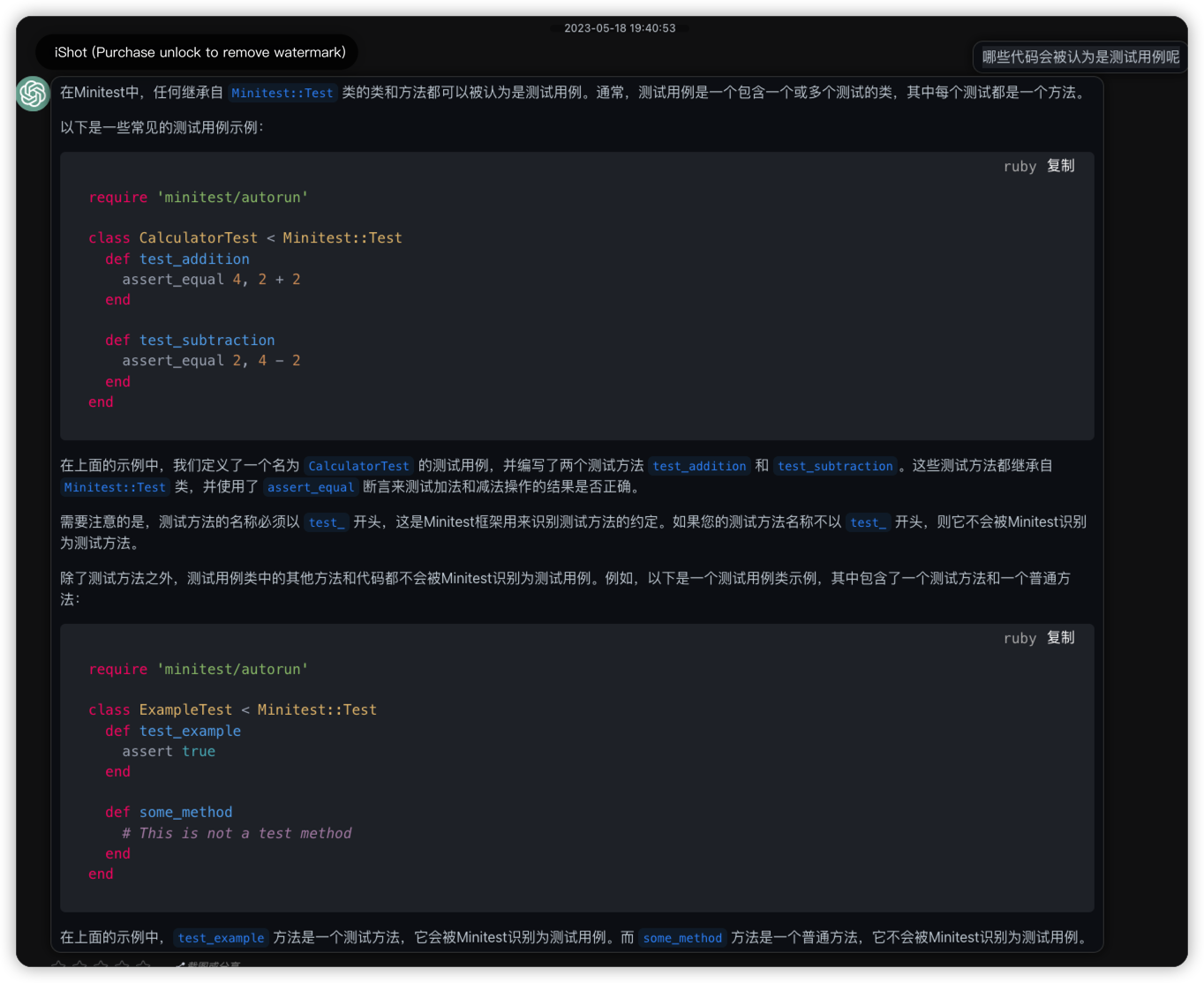
ruby minitest 测试库