python wheels 打包
2023-05-22
开源代码中看到github workflows的配置, 虽然大概能猜出什么意思, 但跟着chatgpt多问几句, 就能把知识的迷雾清空.
https://github.com/EnterpriseDB/pgldapsync/blob/main/.github/workflows/wheel.yml
name: Python Wheel

on: [push]

jobs:
  build:

    runs-on: ubuntu-latest
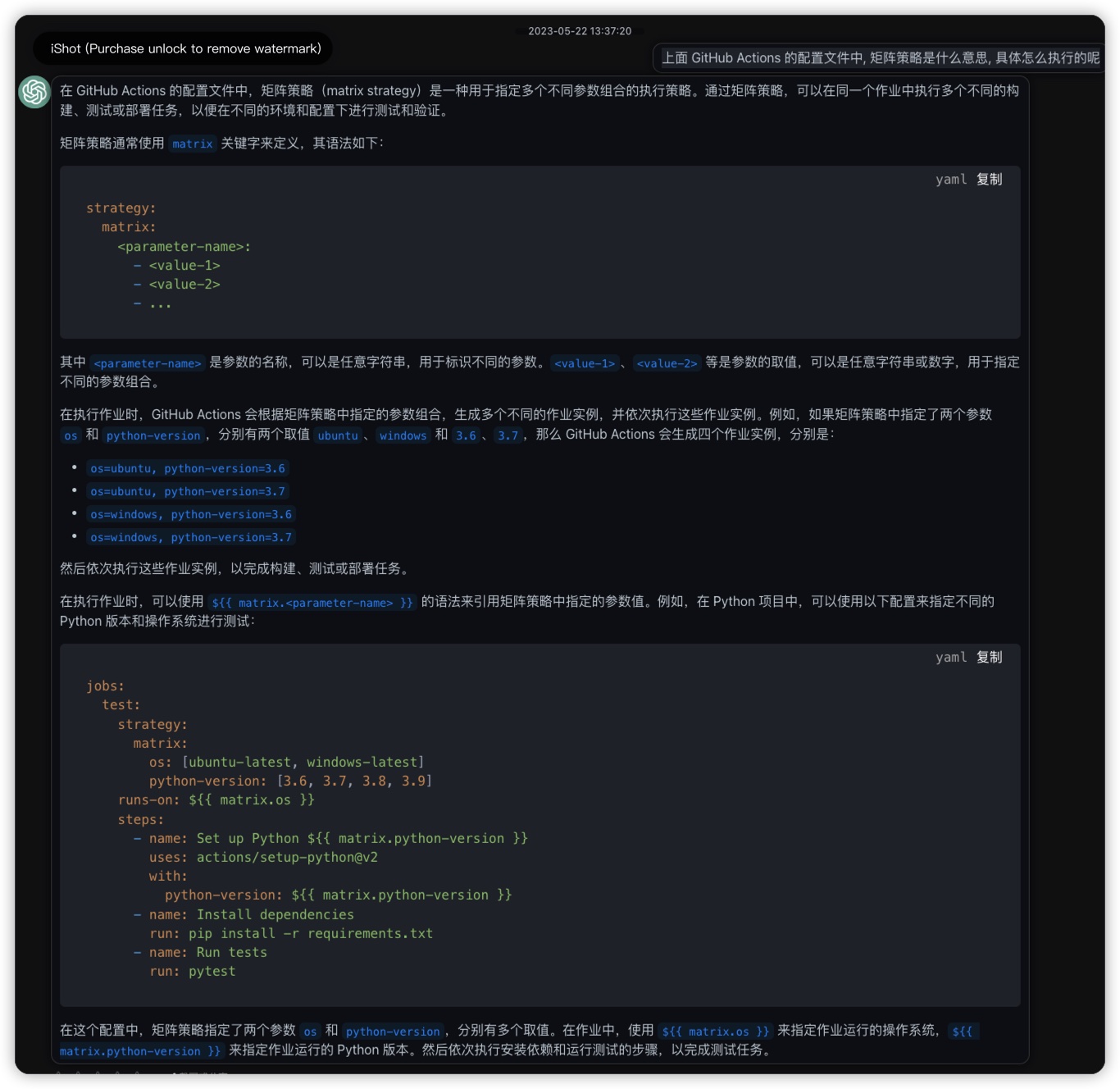
    strategy:
      matrix:
        python-version: [3.5, 3.6, 3.7, 3.8, 3.9]

    steps:
    - uses: actions/checkout@v2
    - name: Set up Python ${{ matrix.python-version }}
      uses: actions/setup-python@v2
      with:
        python-version: ${{ matrix.python-version }}
    - name: Install dependencies
      run: |
        python -m pip install --upgrade pip
        pip install wheel
        pip install -r requirements.txt
    - name: Building Python wheel
      run: |
        python setup.py sdist bdist_wheel --universal

python3 setup.py sdist bdist_wheel --universal
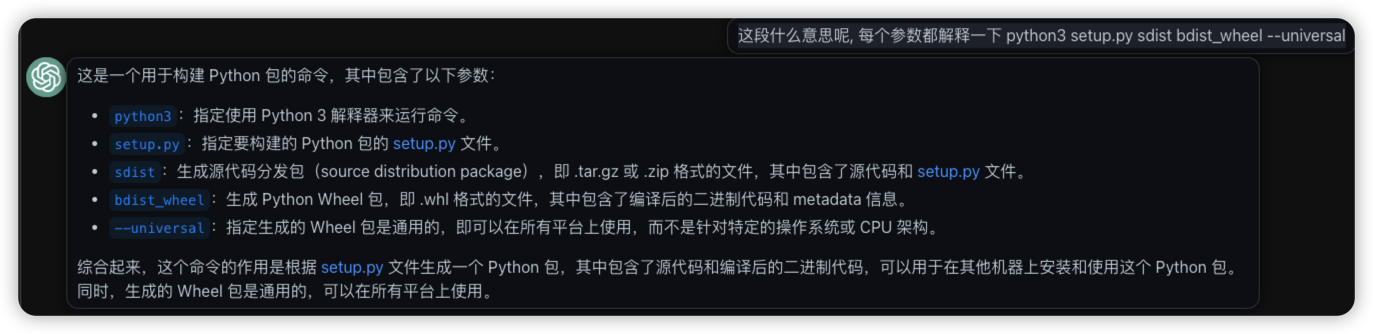
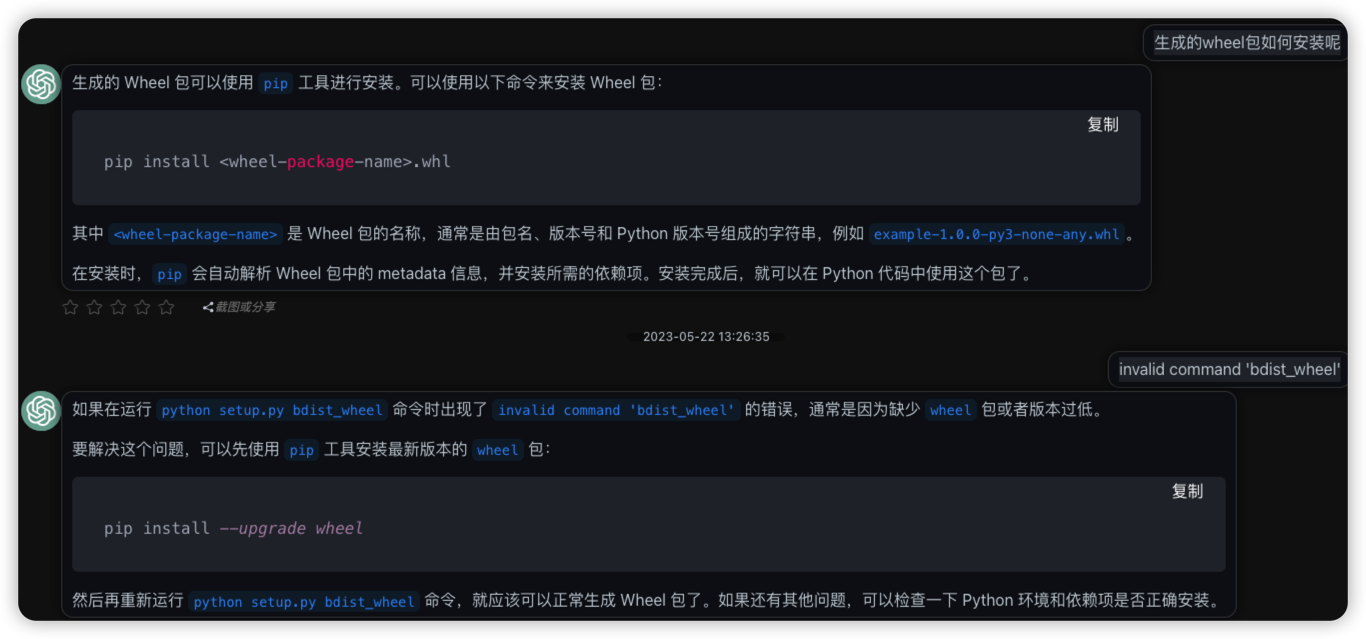
介绍了如何生成python wheels安装包, 实操过程中有什么报错, 也能够直接查询得到有效建议

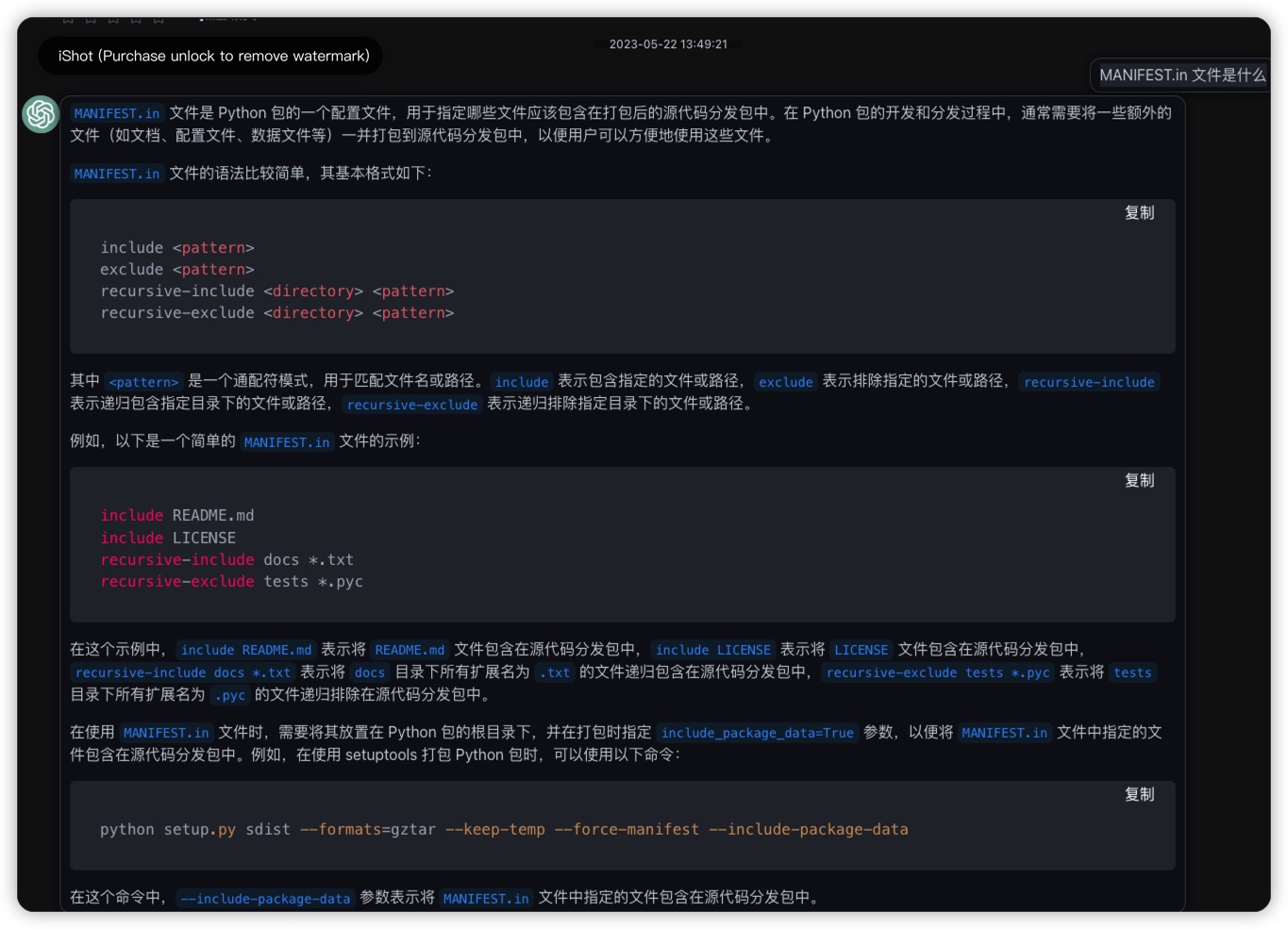
- python打包用到的manifest.in
https://github.com/EnterpriseDB/pgldapsync/blob/main/MANIFEST.in
include pgldapsync/config_default.ini
include pgldapsync/config.ini.example
include requirements.txt
- python setup tools 如何配置和使用
https://github.com/EnterpriseDB/pgldapsync/blob/main/setup.py
"""pgldapsync package creation."""

import setuptools

with open('README.md', 'r', encoding='utf-8') as fh:
    long_description = fh.read()

# Get the requirements list for the current version of Python
    with open('requirements.txt', 'r', encoding='utf-8') as reqf:
        required = reqf.read().splitlines()

setuptools.setup(
    name="pgldapsync",
    version="3.0.0",
    author="Dave Page",
    author_email="dave.page@enterprisedb.com",
    description="Synchronise LDAP users to Postgres",
    license='PostgreSQL',
    long_description=long_description,
    long_description_content_type="text/markdown",
    url="https://github.com/enterprisedb/pgldapsync",
    packages=setuptools.find_packages(),
    install_requires=required,
    python_requires='>=3.7',
    classifiers=[
        'Programming Language :: Python :: 3',
        'Programming Language :: Python :: 3.7',
        'Programming Language :: Python :: 3.8',
        'Programming Language :: Python :: 3.9',
        'Programming Language :: Python :: 3.10',
        'Programming Language :: Python :: 3.11',
        "License :: OSI Approved :: PostgreSQL License",
        "Operating System :: OS Independent",
    ],
    entry_points={
        'console_scripts': ['pgldapsync=pgldapsync.__init__:main'],
    },
    include_package_data=True
)

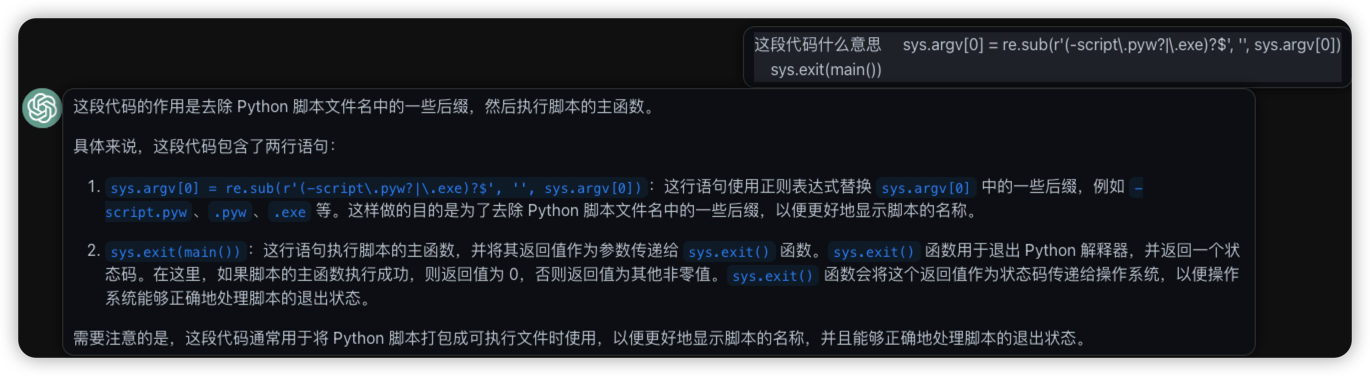
- 则表达式的阅读毫无压力了, 不过让chatgpt写的话还是不放心是否一定是对的
- 继续咨询上面github action的矩阵策略

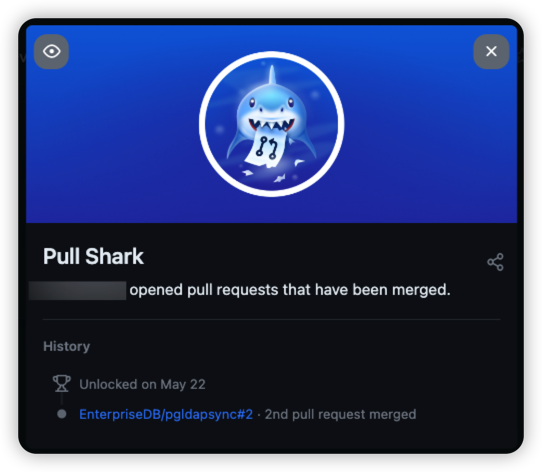
获得 github badge
跟着chatgpt一遍咨询一遍练手, 理清楚了python安装包如何生成和安装. 写了那么久的python, 都没有实践过这小技能. 日常写代码没有必要生成包, 也就没有花费时间去研究. 短短几段咨询, 对这个领域直接从一个从未接触的小白, 变成了资深玩家. 顺手还提了一个github pull request, 原作者很快就accept了, 获得一个github badget小勋章.